Need your IGNOU student ID card for a centre visit or exam? Start with the university account used for your admission. Once the card is available, you should be able to save and print the official PDF. The confusing part is choosing the correct portal - especially if your admission is recent - so the links and troubleshooting steps below focus on that.
IGNOU ID Card Download: official links
| Situation | Official place to start |
|---|---|
| Recently applied through ODL Samarth | IGNOU Admission Samarth |
| Existing student account | IGNOU Student Samarth |
| Check whether admission is confirmed | IGNOU Registration Status |
| University explanation of identity cards | IGNOU Student Registration Division |
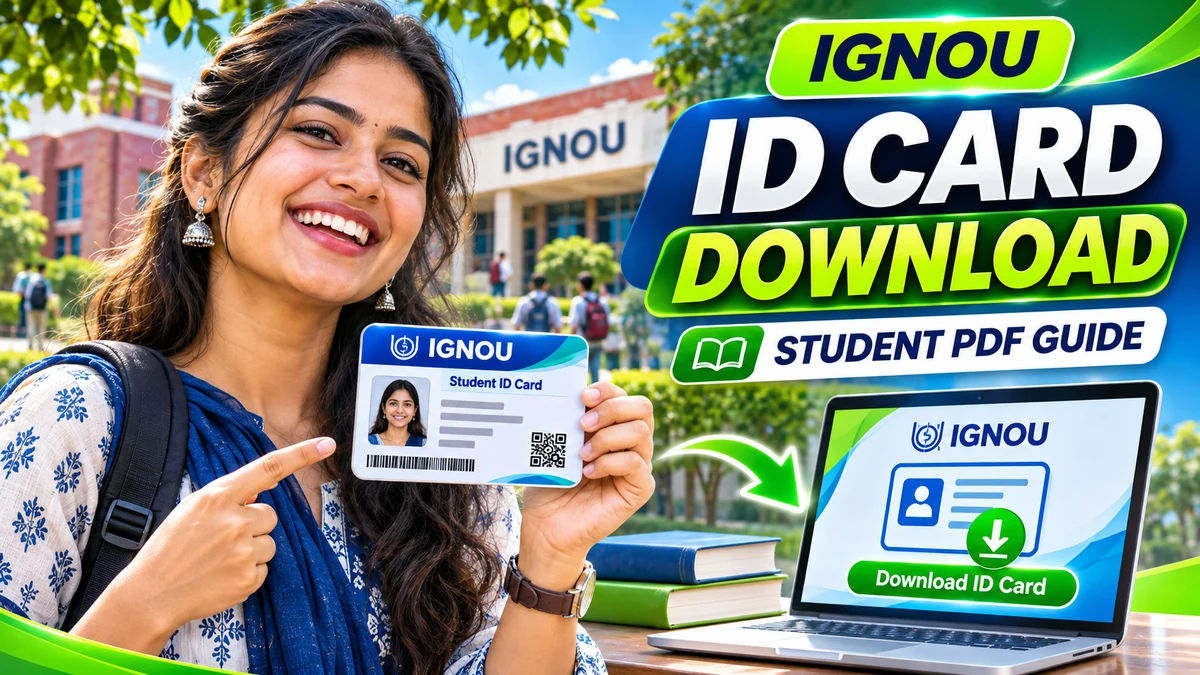
How to download IGNOU student ID card PDF
- Confirm that you have an enrolment number and that your admission has been recorded by IGNOU.
- Open the official admission or student account connected to your programme and admission year.
- Sign in with your registered credentials. Use the university’s own password-recovery flow if necessary.
- Find the student profile, admission or identity-card section on your account dashboard.
- If a card is available, open or download the PDF and check the spelling of your name, enrolment number, photograph, course and centre.
- Keep the PDF in a private location and print a copy if required by your university centre.
Note: Menu names can vary by portal, cohort and course. A student whose admission is still being processed may not see an ID-card option immediately. Do not assume the absence of a download button automatically means your application was rejected.
 NAAC A++
 NIRF #1 Open UniversityIndira Gandhi National Open UniversityNew Delhi, DelhiAdmission: NCET/ITEPEst. 1985View details
 NAAC A++
 NIRF #2 (2025)Jawaharlal Nehru UniversityNew Delhi, DelhiAdmission: CUET UG, CUET PG, NET/JRFEst. 1969View details
 NAAC A++
 NIRF #4 (2025)Jamia Millia IslamiaNew Delhi, DelhiAdmission: CUET UG, CUET PG, NET/JRFEst. 1920 · 239 acresView details
 NAAC A++
 NIRF #5 (2025)University of DelhiNew Delhi, DelhiAdmission: CUET UG, CUET PG, JEE MainEst. 1922View details
 NAAC A++
 Central UniversityCentral Sanskrit UniversityNew Delhi, DelhiAdmission: CUET UG, CUET PG, NET/JRFEst. 2020View details

 Central UniversityShri Lal Bahadur Shastri National Sanskrit UniversityNew Delhi, DelhiAdmission: CUET UG, CUET PG, NET/JRFEst. 1962View details

 Central UniversitySouth Asian UniversityNew Delhi, DelhiAdmission: Own Entrance, NET/JRFEst. 2010View details
IGNOU ID card not showing? Try these checks
- Admission not verified: check Know Your Registration Status before trying the student account again.
- Wrong portal: distinguish the ODL admission dashboard from the enrolled-student Samarth login.
- Incorrect programme/session: use the account through which IGNOU recorded your admission.
- Login problem: reset your password only through the official portal; avoid unverified support numbers.
- Incorrect ID information: request the appropriate university correction, rather than altering the PDF yourself.
IGNOU student ID card vs term-end exam hall ticket
| Document | Typical use |
|---|---|
| Student ID card | Shows your university learner identity and enrolment details. |
| TEE hall ticket | Contains examination-specific details for the applicable term-end session. |
| Admission acknowledgement | Evidence that an application was submitted; it is not necessarily an ID card. |
For examinations, read the session instructions separately. Having an ID card does not replace any hall-ticket requirement. Read our IGNOU December 2026 hall ticket guide for that exam cycle.
What if your name or photograph is incorrect?
Do not modify a downloaded identity card in an image editor. IGNOU’s Student Registration Division publishes routes for registration corrections. Gather the correct documents and contact the relevant official service or regional centre. For an incorrect programme, also check your admission record, because an ID-card error may reflect an underlying registration issue.
How to keep your IGNOU ID card secure
- Keep your enrolment number and identity-card PDF off public social groups.
- Do not share OTPs or passwords with anyone offering an ID-card download service.
- Delete the PDF from shared computers after printing.
- Use only official IGNOU or university-linked Samarth domains for authentication.
Frequently asked questions
Is IGNOU ID card available online?
Yes. IGNOU says the student identity card is generated online and can be downloaded and printed once available for the learner’s account.
Can I download an IGNOU ID card without admission confirmation?
Do not assume a card exists before confirmation. Check your enrolment and official application status first.
Does a student ID card replace the hall ticket?
No. Both may have separate purposes, and you should follow the latest examination instructions.
Can I download my ID card on my phone?
Where the official dashboard provides a PDF file, you can usually open and save it with a mobile browser and PDF viewer.
What if the card link is missing?
Check the correct student account, admission confirmation and official regional-centre guidance before escalating.
Official references
IGNOU SRD and student ID guidance | ODL admission portal | Student Samarth portal
Information checked against IGNOU’s official service pages on 22 November 2026.
What should be visible on a usable student ID card?
When the card becomes available, check your name, photograph, enrolment number and programme against the student record. If any detail differs, correct it through IGNOU rather than changing a PDF image. A manually altered card could create problems during examination or document verification.
Save the downloaded card with a straightforward private filename, for example your name and session, and keep a second copy in a secure location. If you print it, make sure the photograph and text remain legible. You do not need to expose your full enrolment number in a public message just to ask for help downloading it.
Before going to a study centre or examination centre
Read the exact visit or examination instructions for your session. Your student identity card and your examination hall ticket can have separate purposes. If the notice specifies that both must be carried, having one of them does not excuse the other. For admission-related access problems, verify the registration record first.
Students sometimes follow a search result linking to an old admission year’s dashboard. Opening the current official student account from IGNOU’s website is a better starting point, especially after a portal migration.